

How do I change the seed of my Minecraft server world?
26 February 2026
A seed is a combination of letters and numbers that determines how the terrain of your Minecraft world is generated. This means that using the same seed will always generate the same world.
⚠️ Note: If you already have a world on your server, you must delete it to use a new seed. This will erase all progress. Make a backup of your server to ensure nothing is lost.
Changing the seed on your server
Go to the control panel and click on the server for which you want to change the seed.
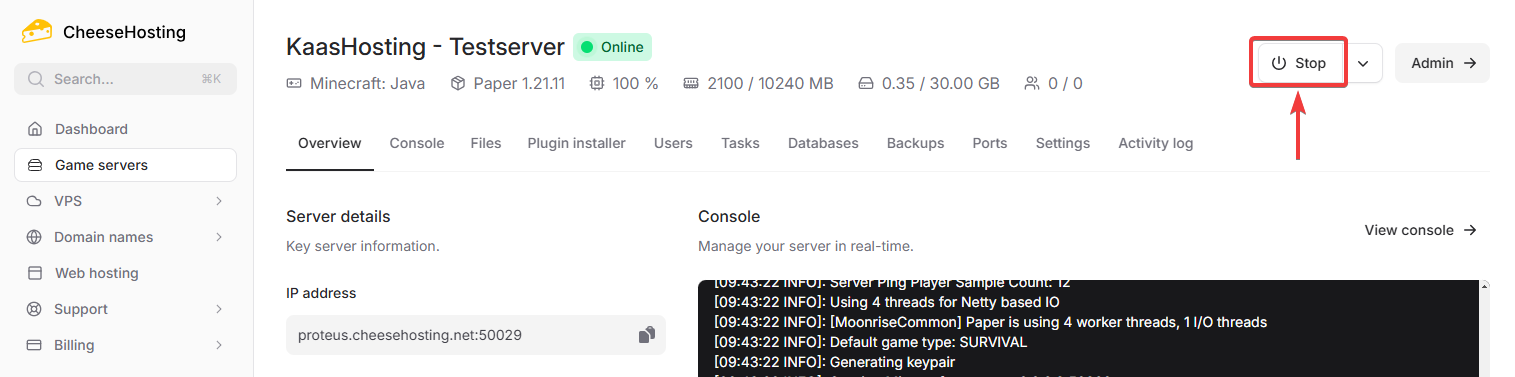
Stop the server by clicking Stop.
Click on Files.

Scroll down slightly and open the file
server.properties.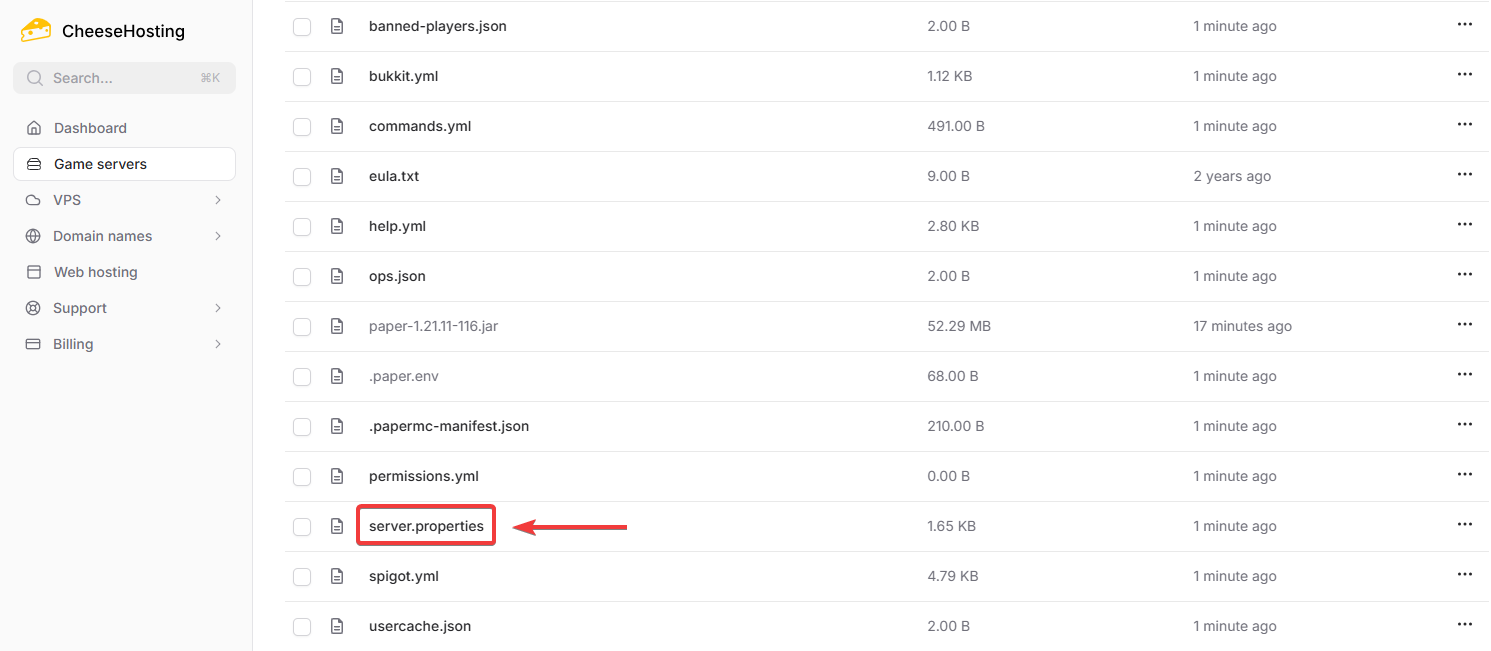
Next to
level-seed=, paste the seed you want to use.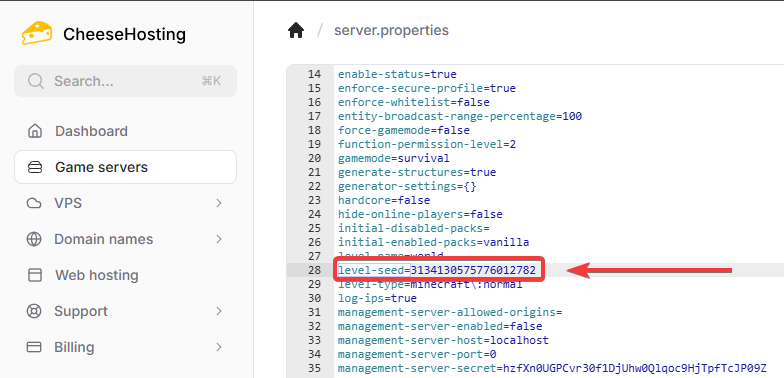
Click
Save File.Start your server again.
Done! The seed you set will now be used by your server.
On this page